iMovie Editing Course – Overview, Timeline & Essential Tools (Ep.1)
عدد الدروس : 8 عدد ساعات الدورة : 00:39:21 شهادة معتمدة : نعم التسجيل في الدورة للحصول على شهادةللحصول على شهادة
- 1- التسجيل
- 2- مشاهدة الكورس كاملا
- 3- متابعة نسبة اكتمال الكورس تدريجيا
- 4- بعد الانتهاء تظهر الشهادة في الملف الشخصي الخاص بك
قائمة الدروس
عن الدورة
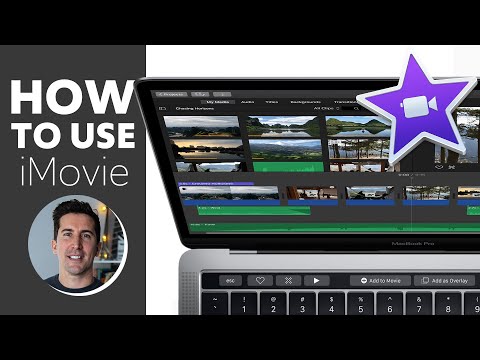
This iMovie overview course is designed to help beginners understand the core fundamentals of video editing using Apple’s iMovie. It starts with a complete introduction to the editing workflow and gradually builds your skills step by step.
You will first learn how to import videos into iMovie correctly, making sure your media is organized and ready for editing. The course then introduces the timeline, which is the most important part of iMovie where all editing happens.
Next, you will explore how to record voiceovers directly inside iMovie, allowing you to add narration to your videos easily. This is especially useful for tutorials, presentations, and storytelling content.
The course also covers split-screen editing, where you can display two videos side by side to create more dynamic visuals. In addition, you will learn how to perform basic color correction to improve the look and feel of your footage.
Another key part of the tutorial is music editing, where you will understand how to add and adjust audio tracks to match your video content.
By the end of this episode, you will have a strong foundation in iMovie and understand the essential tools needed to start editing professional-looking videos.


