Ultimate Beginner Guide to Mac (2026 Edition)
عدد الدروس : 1 عدد ساعات الدورة : 01:13:19 شهادة معتمدة : نعم التسجيل في الدورة للحصول على شهادةللحصول على شهادة
- 1- التسجيل
- 2- مشاهدة الكورس كاملا
- 3- متابعة نسبة اكتمال الكورس تدريجيا
- 4- بعد الانتهاء تظهر الشهادة في الملف الشخصي الخاص بك
قائمة الدروس
عن الدورة
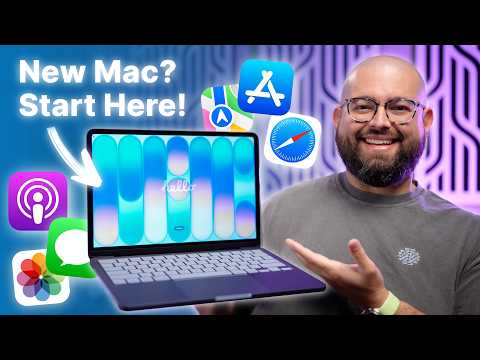
This ultimate beginner guide to Mac is designed for new users who want to quickly understand how to use macOS and become comfortable with Apple computers. It covers everything from initial setup to essential daily use features in a simple and practical way.
You will start by learning how to set up your Mac for the first time, including Apple ID configuration, system preferences, and basic navigation inside macOS. The guide then introduces the desktop environment, menu bar, Dock, and Finder so you can easily manage files and applications.
You will also learn how to install and organize apps, use Spotlight Search for faster navigation, and customize system settings to improve your workflow. Keyboard shortcuts and trackpad gestures are also explained to help you work faster and more efficiently.
In addition, the guide covers essential productivity features such as multitasking with multiple desktops, managing storage, and using built-in Mac apps like Notes, Safari, and Preview.
By the end of this guide, you will have a strong understanding of how Mac computers work and how to use them confidently in everyday tasks such as studying, working, and browsing. This is the perfect starting point for anyone switching to macOS for the


