Google Meet Complete Guide: Hosting, Recording & Meeting Management
عدد الدروس : 12 عدد ساعات الدورة : 00:16:53 شهادة معتمدة : نعم التسجيل في الدورة للحصول على شهادةللحصول على شهادة
- 1- التسجيل
- 2- مشاهدة الكورس كاملا
- 3- متابعة نسبة اكتمال الكورس تدريجيا
- 4- بعد الانتهاء تظهر الشهادة في الملف الشخصي الخاص بك
قائمة الدروس
عن الدورة
This course is a complete Google Meet guide that covers everything you need to know to use the platform professionally. It is designed for beginners and intermediate users who want to manage online meetings with confidence.
You will start by learning how to download and install Google Meet on different devices such as Mac, and how to get started quickly with the platform. The course also explains how to create meeting codes and start or join meetings easily, making the process simple and efficient.
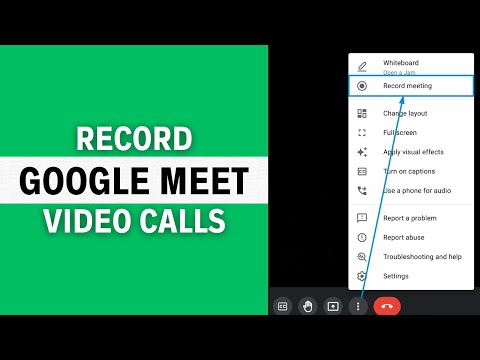
A major part of the course focuses on meeting management. You will learn how to assign or change a host in Google Meet, which is important for controlling meetings and organizing responsibilities. You will also discover how to record video calls so you can save important sessions for later review or sharing.
In addition, the course covers useful tools such as the Google Meet whiteboard, which helps you explain ideas visually during meetings. You will also learn how to disable chat when needed to keep meetings focused and professional, along with basic customization like changing your display name.
By the end of this course, you will be able to host, manage, and control Google Meet meetings efficiently and professionally.


