Apple Numbers Practical Applications: Invoices, Budgets & Databases
عدد الدروس : 15 عدد ساعات الدورة : 02:51:15 شهادة معتمدة : نعم التسجيل في الدورة للحصول على شهادةللحصول على شهادة
- 1- التسجيل
- 2- مشاهدة الكورس كاملا
- 3- متابعة نسبة اكتمال الكورس تدريجيا
- 4- بعد الانتهاء تظهر الشهادة في الملف الشخصي الخاص بك
قائمة الدروس
عن الدورة
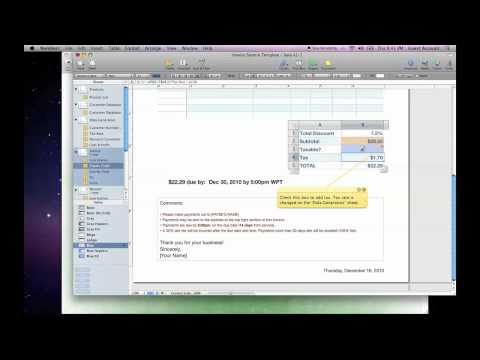
This Apple Numbers course focuses on practical applications for Mac, iPad, and iPhone users. It begins with invoice creation, teaching templates, auto-increment IDs, client address lists, and formatting techniques to produce professional, ready-to-use invoices. Students then learn to design effective budget sheets and workbooks, helping track income, expenses, and financial goals efficiently.
The course also covers creating databases for managing information, inventory control systems for tracking stock, and using formulas and functions to automate calculations. Lessons on filtered data, categories, and drop-down menus make spreadsheets more interactive and user-friendly.
Additional tutorials guide students on integrating Numbers with other Apple apps, using shortcuts to speed up workflows, and applying hidden features to maximize productivity. By the end of the course, learners will be able to manage accounting, inventory, and data analysis tasks confidently, turning Apple Numbers into a powerful tool for both personal and business needs.


