DaVinci Resolve Color Grading for Beginners – Free Course
عدد الدروس : 1 عدد ساعات الدورة : 01:03:57 شهادة معتمدة : نعم التسجيل في الدورة للحصول على شهادةللحصول على شهادة
- 1- التسجيل
- 2- مشاهدة الكورس كاملا
- 3- متابعة نسبة اكتمال الكورس تدريجيا
- 4- بعد الانتهاء تظهر الشهادة في الملف الشخصي الخاص بك
عن الدورة
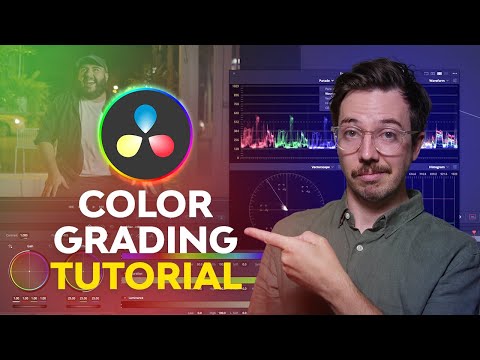
This free course from Envato Tuts+ is the perfect starting point for anyone looking to learn color grading in DaVinci Resolve. Whether you’re a complete beginner or an intermediate editor wanting to enhance your skills, this tutorial covers everything you need to know about the color page.
You’ll start by exploring the Resolve layout and setting up projects using scene cut detection for efficient editing. The course explains how to read scopes, including Waveform, Parade, Histogram, and Vectorscope, giving you the tools to make precise color adjustments. Learn how to clean skin tones using noise reduction and add cinematic flair with film grain and halation effects.
The tutorial also teaches motion tracking for color grades, background grading, and dialing in the perfect “look” for your footage. By the end, you’ll be able to deliver polished grades to editors and even create custom LUTs for future projects.
Step-by-step instructions, clear demonstrations, and downloadable templates make this course accessible and practical. With Envato Tuts+, you’ll gain confidence in DaVinci Resolve and develop professional color grading skills that elevate any video project.


