Motion Graphics with Expressions & Macros – DaVinci Resolve Fusion Tutorial
عدد الدروس : 1 عدد ساعات الدورة : 00:41:34 شهادة معتمدة : نعم التسجيل في الدورة للحصول على شهادةللحصول على شهادة
- 1- التسجيل
- 2- مشاهدة الكورس كاملا
- 3- متابعة نسبة اكتمال الكورس تدريجيا
- 4- بعد الانتهاء تظهر الشهادة في الملف الشخصي الخاص بك
قائمة الدروس
عن الدورة
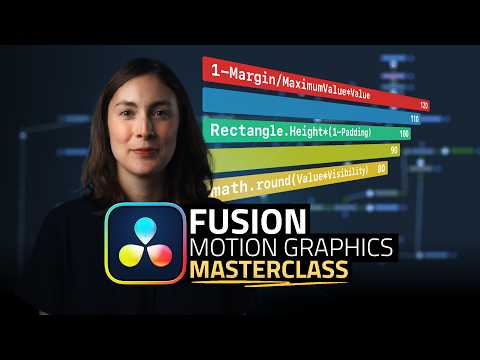
This in-depth tutorial teaches you how to create professional motion graphics in DaVinci Resolve Fusion using expressions and macros. You’ll begin by learning how to set up your project and customize controls for dynamic elements. Step by step, you’ll explore expressions that automate animation, making your motion graphics faster and more precise.
The course covers linking controls, creating masks, and building macros that can be reused across projects to save time and maintain consistency. You’ll also learn aesthetic adjustments, labeling layers, adding titles, and fine-tuning animations to achieve polished results.
By mastering Fusion’s expressions and macros, you can create complex motion graphics that rival After Effects, all within DaVinci Resolve. Whether you’re designing lower thirds, animated charts, or cinematic overlays, this course gives you the skills to produce high-quality, professional animations.
By the end of this course, you’ll understand how to build flexible, reusable motion graphics setups and confidently implement expressions and macros in your workflow to speed up production and maintain creativity.


