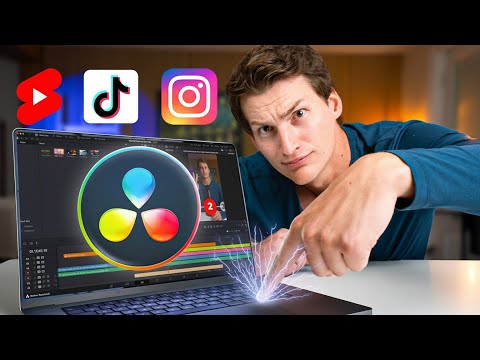
How to Edit TikToks, Reels & Shorts in DaVinci Resolve – Beginner Guide
عدد الدروس : 1 عدد ساعات الدورة : 01:25:27 شهادة معتمدة : نعم التسجيل في الدورة للحصول على شهادةللحصول على شهادة
- 1- التسجيل
- 2- مشاهدة الكورس كاملا
- 3- متابعة نسبة اكتمال الكورس تدريجيا
- 4- بعد الانتهاء تظهر الشهادة في الملف الشخصي الخاص بك
عن الدورة
This complete beginner’s guide teaches you how to edit TikToks, Reels, and Shorts in DaVinci Resolve step by step. You’ll start with project setup, including creating vertical timelines and organizing media for efficient workflow. Next, the course covers color grading to enhance the look of your videos, followed by audio adjustments to ensure your voiceovers, music, and sound effects are perfectly balanced.
You’ll learn essential cutting and trimming techniques to create smooth and engaging short-form videos. Adding B-roll footage is explained in detail, showing how to make your content more dynamic and visually appealing. Text and graphics are introduced to help highlight key moments and engage viewers. Finally, you’ll explore music selection, sound effects, and the export process to optimize your video for TikTok, Reels, and Shorts platforms.
With practical examples and easy-to-follow demonstrations, this course equips beginners with the tools and confidence to produce professional-quality short videos. By the end, you’ll be ready to create attention-grabbing, polished videos that perform well on social media.


