Master Color Grading in DaVinci Resolve – Full Scene from Start to Finish
عدد الدروس : 1 عدد ساعات الدورة : 00:44:02 شهادة معتمدة : نعم التسجيل في الدورة للحصول على شهادةللحصول على شهادة
- 1- التسجيل
- 2- مشاهدة الكورس كاملا
- 3- متابعة نسبة اكتمال الكورس تدريجيا
- 4- بعد الانتهاء تظهر الشهادة في الملف الشخصي الخاص بك
عن الدورة
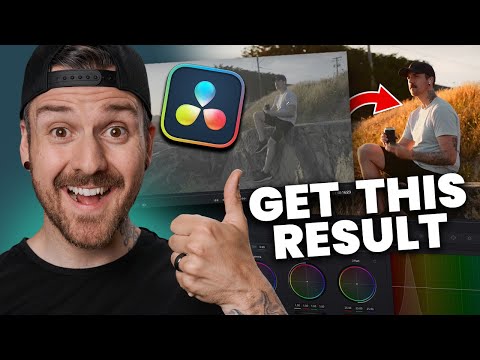
This free tutorial guides you through the entire color grading process in DaVinci Resolve, taking you from raw footage to a polished final scene. You’ll start by analyzing the scene and understanding the structure of nodes, which are essential for organized and flexible grading.
The course covers transforming LOG footage, adjusting color spaces, and performing primary color corrections. You’ll also learn how to match different clips within the same scene to maintain a consistent look across all footage.
Advanced techniques are introduced, including creating a custom “look,” checking your grading for accuracy, and adding finishing touches like film simulation and halation effects. The workflow emphasizes practical, hands-on application, making it easy to replicate on your own projects.
This tutorial is perfect for beginners and intermediate editors who want to master color grading efficiently. By the end, you will be able to take flat, ungraded footage and transform it into visually consistent, cinematic-quality scenes.


