DaVinci Resolve 17 Edit Training – Introduction to Editing
عدد الدروس : 1 عدد ساعات الدورة : 01:09:37 شهادة معتمدة : نعم التسجيل في الدورة للحصول على شهادةللحصول على شهادة
- 1- التسجيل
- 2- مشاهدة الكورس كاملا
- 3- متابعة نسبة اكتمال الكورس تدريجيا
- 4- بعد الانتهاء تظهر الشهادة في الملف الشخصي الخاص بك
عن الدورة
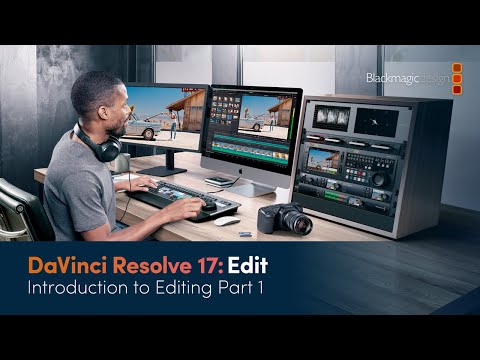
This beginner-friendly training introduces you to video editing in DaVinci Resolve 17. The course focuses on the Edit Page, which is the central hub for organizing and assembling your video clips into a rough cut.
You’ll start by learning how to import footage into DaVinci Resolve and organize it efficiently using bins and metadata. Understanding metadata is crucial because it allows you to sort, filter, and find clips quickly, saving time on complex projects.
Next, you’ll explore the Edit Page interface, where all your tools for trimming, arranging, and previewing clips are located. The course demonstrates how to build a rough cut, giving you a foundation for more advanced editing techniques.
Along the way, tips are provided for maintaining a clean and organized project workflow, ensuring that your media stays structured and easy to manage. By the end of this session, you’ll have a solid understanding of how to start editing a project and create the first version of your video.
This course is ideal for beginners who want to get started with DaVinci Resolve 17 and build a strong foundation in video editing.


