DaVinci Resolve Color Grading for Beginners Course
عدد الدروس : 1 عدد ساعات الدورة : 01:03:57 شهادة معتمدة : نعم التسجيل في الدورة للحصول على شهادةللحصول على شهادة
- 1- التسجيل
- 2- مشاهدة الكورس كاملا
- 3- متابعة نسبة اكتمال الكورس تدريجيا
- 4- بعد الانتهاء تظهر الشهادة في الملف الشخصي الخاص بك
عن الدورة
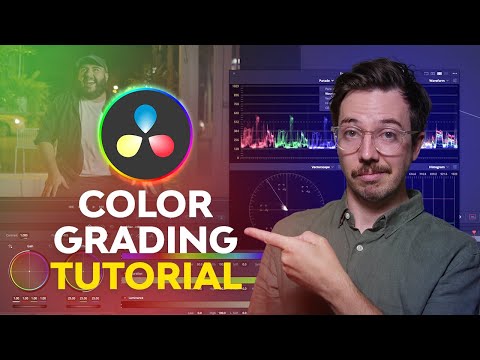
This beginner-friendly course teaches the fundamentals of color correction and color grading using DaVinci Resolve. It focuses on the Color Page, which is one of the most powerful tools in the software and widely used by professional colorists in film and video production.
The course begins with an introduction to DaVinci Resolve and explains how to set up your project properly. You will learn how to organize footage using scene cut detection and understand the layout of the Color Page.
Next, the course explores how to read scopes such as waveform, vectorscope, histogram, and RGB parade. These tools help you analyze brightness, contrast, and color balance accurately instead of relying only on visual judgment.
You will also learn the professional color grading workflow, including how to use the primary color wheels to adjust exposure, contrast, and color balance. The course teaches how to correct skin tones, improve lighting, and enhance the overall look of your footage.
In addition, you will discover techniques for cleaning up footage using noise reduction and adding cinematic effects such as film grain and halation. The course also covers motion tracking for color adjustments and creating custom LUTs for consistent color styles across projects.
By the end, you will understand how to create professional-looking color grades in DaVinci Resolve.


