DaVinci Resolve 20 Advanced Effects and Fusion Tools Course
عدد الدروس : 46 عدد ساعات الدورة : 06:39:59 شهادة معتمدة : نعم التسجيل في الدورة للحصول على شهادةللحصول على شهادة
- 1- التسجيل
- 2- مشاهدة الكورس كاملا
- 3- متابعة نسبة اكتمال الكورس تدريجيا
- 4- بعد الانتهاء تظهر الشهادة في الملف الشخصي الخاص بك
قائمة الدروس
عن الدورة
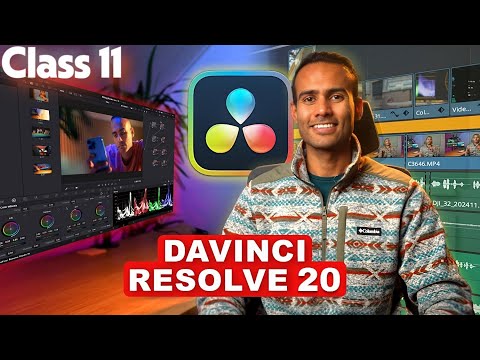
This course focuses on advanced visual effects and creative editing techniques in DaVinci Resolve 20. It is designed for video editors who want to enhance their videos with professional effects and learn how to use powerful tools inside the software.
You will begin by exploring important visual enhancement tools such as the Halation effect, noise reduction, and film grain. These tools help improve the overall quality of your footage and create a cinematic look similar to professional films.
The course also teaches stabilization techniques such as the Locked-On Stabilization effect, which helps keep moving objects steady and smooth in your video. You will learn how to attach text to objects and connect text layers with moving elements to create dynamic motion graphics.
In addition, the course introduces green screen effects, allowing you to remove backgrounds and place subjects into new environments. You will also discover how to create animated travel map graphics, which are commonly used in vlogs and travel videos.
Another important section covers the Fusion Page, where you will get an overview of node-based visual effects and learn how to combine elements for more advanced compositions.
Finally, you will learn how to apply creative cut effects and transitions that make your edits smoother and more visually engaging for viewers.


