DaVinci Resolve Fusion Complete Beginner Course
عدد الدروس : 10 عدد ساعات الدورة : 02:49:38 شهادة معتمدة : نعم التسجيل في الدورة للحصول على شهادةللحصول على شهادة
- 1- التسجيل
- 2- مشاهدة الكورس كاملا
- 3- متابعة نسبة اكتمال الكورس تدريجيا
- 4- بعد الانتهاء تظهر الشهادة في الملف الشخصي الخاص بك
قائمة الدروس
عن الدورة
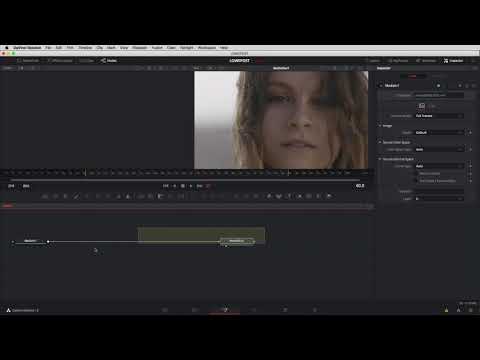
This course introduces you to DaVinci Resolve Fusion, the powerful visual effects and motion graphics environment inside DaVinci Resolve. It is designed for beginners who want to understand how to create professional visual effects using node-based workflows.
The course begins with a clear introduction to Fusion and its interface so you can understand how nodes work and how they connect together to create effects. You will then learn how to work with media inside Fusion, including importing clips and managing different elements within your composition.
Next, the course explains keyframing, an essential technique used to animate objects, effects, and transitions over time. You will also learn how to use the Merge Node to combine multiple visual elements into one scene.
Masking is another important topic covered in this course, allowing you to isolate parts of your footage and apply effects only where needed. The course also teaches how to create text and animated titles using Fusion tools.
As you progress, you will learn how to create reusable presets and macros to speed up your workflow. The course also introduces basic 3D tools in Fusion, enabling you to create depth and dynamic visual effects.
Finally, everything is combined into a complete project, helping you understand the full Fusion workflow.


