DaVinci Resolve Beginner Tips and Editing Workflow Course
عدد الدروس : 277 عدد ساعات الدورة : 04:50:33 شهادة معتمدة : نعم التسجيل في الدورة للحصول على شهادةللحصول على شهادة
- 1- التسجيل
- 2- مشاهدة الكورس كاملا
- 3- متابعة نسبة اكتمال الكورس تدريجيا
- 4- بعد الانتهاء تظهر الشهادة في الملف الشخصي الخاص بك
قائمة الدروس
عن الدورة
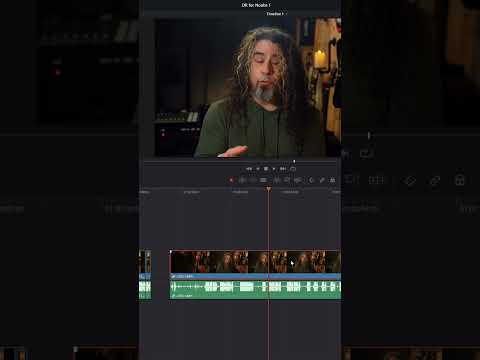
This beginner-friendly course focuses on practical tips that help new editors work faster and more efficiently in DaVinci Resolve. It introduces simple but powerful tools that improve your editing workflow and help you better understand how the timeline works.
The course starts with learning how to link content in the timeline so video and audio clips stay synchronized during editing. You will also discover how to change track size to make your timeline easier to manage and organize when working with multiple clips.
Next, the course explains how to snap clips on the timeline for precise editing and alignment. You will also learn how to insert clips correctly without affecting the rest of your timeline, which is an essential skill for smooth video editing.
Audio is another important part of editing, so the course introduces the Equalizer (EQ) tool to help improve sound quality and balance different audio frequencies. You will also learn where to find free sound effects to enhance your videos.
Finally, the course covers timeline grouping, track locking to prevent accidental edits, and how to use the Auto Track Selector to control which tracks are affected during editing. By the end of this course, beginners will feel more confident managing timelines and editing videos efficiently.


