How to Create a Bill of Materials (BOM) Using Drag & Drop in Excel VBA
عدد الدروس : 51 عدد ساعات الدورة : 84:42:35 شهادة معتمدة : نعم التسجيل في الدورة للحصول على شهادةللحصول على شهادة
- 1- التسجيل
- 2- مشاهدة الكورس كاملا
- 3- متابعة نسبة اكتمال الكورس تدريجيا
- 4- بعد الانتهاء تظهر الشهادة في الملف الشخصي الخاص بك
قائمة الدروس
عن الدورة
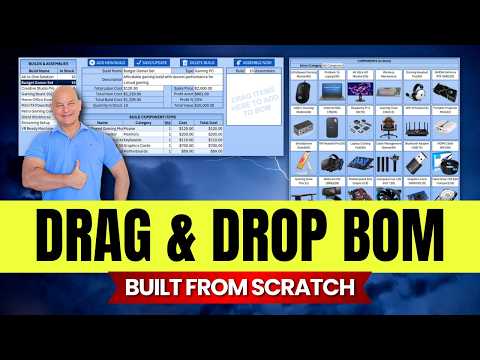
In this tutorial, Excel For Freelancers demonstrates how to create a Bill of Materials (BOM) in Excel using drag-and-drop functionality with VBA. You’ll learn how to link components and products dynamically, making it easier to update materials and track inventory more accurately and faster.
The video covers how to use VBA to build an interactive user interface, connect tables flexibly, and apply formulas to automatically track quantities and costs. You’ll also learn techniques to improve inventory and product management within Excel, including using drop-down lists and drag-and-drop buttons to simplify data entry.
This lesson is perfect for professionals in project management, manufacturing, and inventory management, as well as anyone wanting to learn Excel automation to increase efficiency and save time. By the end of the video, you’ll have a ready-to-use BOM system that can manage any small project or manufacturing setup effectively and efficiently.


