Complete Beginner Guide to Sculpting in Blender
عدد الدروس : 1 عدد ساعات الدورة : 00:33:17 شهادة معتمدة : نعم التسجيل في الدورة للحصول على شهادةللحصول على شهادة
- 1- التسجيل
- 2- مشاهدة الكورس كاملا
- 3- متابعة نسبة اكتمال الكورس تدريجيا
- 4- بعد الانتهاء تظهر الشهادة في الملف الشخصي الخاص بك
عن الدورة
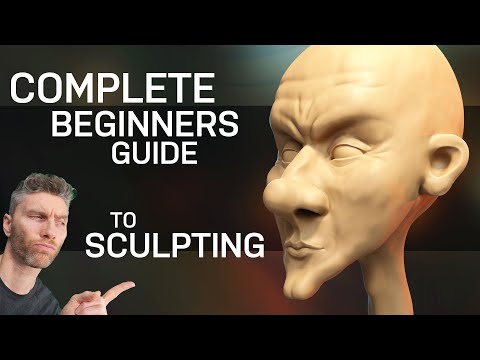
Digital sculpting in Blender has become an essential skill for creating detailed characters, creatures, environments, and artistic 3D models. This series is designed to introduce beginners to the complete sculpting workflow inside Blender while building a strong understanding of the tools and techniques used in professional 3D production.
The content begins with the basics of Blender’s sculpting workspace, including navigation, viewport controls, brush settings, and interface customization. Viewers learn how to prepare meshes for sculpting and understand the importance of topology, resolution, and object structure before starting detailed work.
The series explores the most important sculpting brushes such as Clay, Draw, Grab, Smooth, Inflate, Crease, and Snake Hook. Each brush is explained through practical examples that demonstrate how to shape forms, create silhouettes, and build organic details efficiently. Users learn how to combine different brushes to create smooth and realistic results while maintaining clean forms and proportions.
An important part of the tutorials focuses on anatomy and form building. Beginners learn how to sculpt heads, faces, muscles, hands, and body structures while understanding shape balance and volume distribution. The content also introduces techniques for sculpting clothing folds, wrinkles, skin details, and stylized designs for different artistic styles.
The series explains dynamic topology, voxel remeshing, symmetry tools, masking, face sets, and multiresolution workflows to help artists manage both simple and complex sculpting projects. Viewers also learn how to organize sculpting sessions, manage performance, and optimize scenes for smoother workflows.


