Blender Basics for Beginners | Lighting in 3D Scenes Made Simple
عدد الدروس : 1 عدد ساعات الدورة : 00:39:29 شهادة معتمدة : نعم التسجيل في الدورة للحصول على شهادةللحصول على شهادة
- 1- التسجيل
- 2- مشاهدة الكورس كاملا
- 3- متابعة نسبة اكتمال الكورس تدريجيا
- 4- بعد الانتهاء تظهر الشهادة في الملف الشخصي الخاص بك
عن الدورة
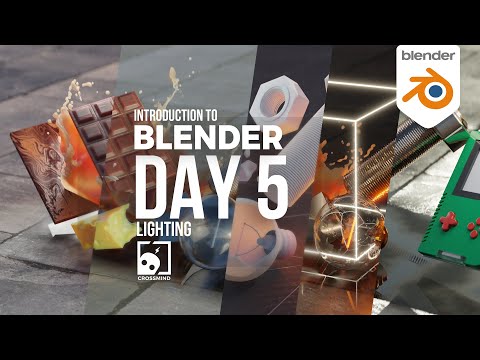
Lighting is one of the most important elements in any 3D scene, and in Blender it plays a major role in defining how your models look and feel. Even a well-modeled and textured object can look flat or unrealistic without proper lighting. This stage focuses on understanding how light works and how to use it effectively to improve your scenes.
In Blender, lighting is used to control visibility, depth, and mood. By placing lights strategically, you can highlight important parts of your scene, create shadows, and add atmosphere. This helps transform simple environments into visually engaging and realistic renders.
You are introduced to different types of lights available in Blender, such as Point Light, Sun Light, Spot Light, and Area Light. Each type behaves differently and is used for specific purposes. For example, Sun Light simulates natural sunlight and affects the entire scene, while Spot Light focuses on a specific area to highlight details.
You also learn how to adjust light properties such as intensity, color, and distance. These settings allow you to control the strength and mood of your lighting setup. Small changes in lighting can completely change how a scene feels, making it warmer, darker, more dramatic, or more realistic.
The lesson also introduces basic principles of lighting design, such as balancing light sources, avoiding overexposure, and creating contrast between light and shadow. These principles help you build visually appealing scenes that look more professional.
In addition, you begin to understand how lighting works together with materials and shading. A good material setup combined with proper lighting produces realistic results, while poor lighting can reduce the quality of even the best models.
This stage focuses on practical application so beginners can experiment directly inside Blender and see how different lighting setups affect their scenes in real time.
By the end of this part, you will have a clear understanding of how to use lighting to improve your 3D work. You will be able to create simple yet effective lighting setups that enhance realism and visual storytelling.


