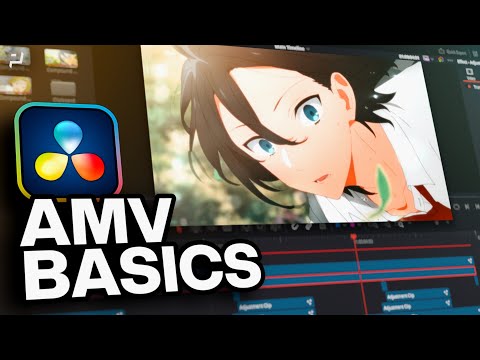
DaVinci Resolve | AMV Beginner Walkthrough
عدد الدروس : 1 عدد ساعات الدورة : 00:50:43 شهادة معتمدة : نعم التسجيل في الدورة للحصول على شهادةللحصول على شهادة
- 1- التسجيل
- 2- مشاهدة الكورس كاملا
- 3- متابعة نسبة اكتمال الكورس تدريجيا
- 4- بعد الانتهاء تظهر الشهادة في الملف الشخصي الخاص بك
قائمة الدروس
عن الدورة
This beginner walkthrough is designed to help you create your first Anime Music Video (AMV) using DaVinci Resolve, even if you have no prior editing experience. The course starts by introducing the DaVinci Resolve interface and explaining the essential tools you will use for editing clips, syncing music, and applying effects. You will learn how to import anime footage, organize your timeline, and cut scenes to match the rhythm and mood of your chosen song.
As you progress, the tutorial focuses on building strong editing foundations such as timing, transitions, and flow. You will discover how to make smooth cuts between scenes and enhance emotional impact using simple effects like zooms, fades, and motion adjustments. The course also introduces basic color adjustments to help unify the look of your AMV and make it more visually appealing.
In addition, you will explore how to synchronize visuals with music beats to create a more dynamic and engaging experience. By the end of this walkthrough, you will have a complete understanding of how to produce a clean and stylish AMV from start to finish. This course is perfect for beginners who want to step into video editing and start creating creative anime edits using DaVinci Resolve.


