Adobe Premiere Pro 2023 Beginner Course – Learn Video Editing in 40 Minutes
عدد الدروس : 1 عدد ساعات الدورة : 00:43:20 شهادة معتمدة : نعم التسجيل في الدورة للحصول على شهادةللحصول على شهادة
- 1- التسجيل
- 2- مشاهدة الكورس كاملا
- 3- متابعة نسبة اكتمال الكورس تدريجيا
- 4- بعد الانتهاء تظهر الشهادة في الملف الشخصي الخاص بك
عن الدورة
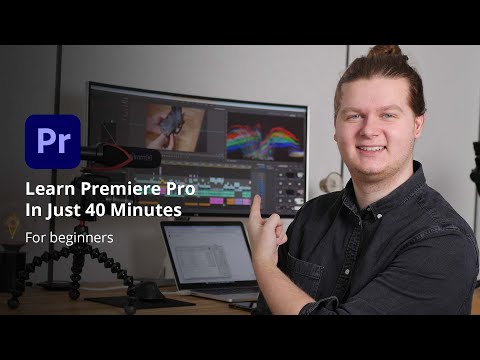
This beginner-friendly course is the perfect introduction to video editing using Adobe Premiere Pro. Created by Joey, this tutorial is designed to help you learn the essential tools and workflow in a short and practical way.
You will begin by understanding how to create a project and organize your files properly, which is a crucial step for any editor. Then, you’ll explore the workspace and interface, learning how to navigate efficiently داخل البرنامج.
The course covers how to import footage, create sequences, and work with the timeline—one of the most important parts of Premiere Pro. You will learn how to cut, trim, and arrange clips to build your first video.
As you progress, you’ll discover how to add B-roll, transitions, and text to enhance your content. The tutorial also introduces basic animation using keyframes, allowing you to create simple motion effects داخل الفيديو.
In addition, you’ll learn how to add background music, sync audio, and apply basic color correction to improve the overall quality of your project. Finally, the course explains how to export your video with the best settings for sharing online.
By the end of this course, you will have the skills needed to edit your first professional-looking video confidently.


