Raspberry Pi 5 Getting Started Guide – Full Setup & First Projects
عدد الدروس : 1 عدد ساعات الدورة : 00:24:43 شهادة معتمدة : نعم التسجيل في الدورة للحصول على شهادةللحصول على شهادة
- 1- التسجيل
- 2- مشاهدة الكورس كاملا
- 3- متابعة نسبة اكتمال الكورس تدريجيا
- 4- بعد الانتهاء تظهر الشهادة في الملف الشخصي الخاص بك
قائمة الدروس
عن الدورة
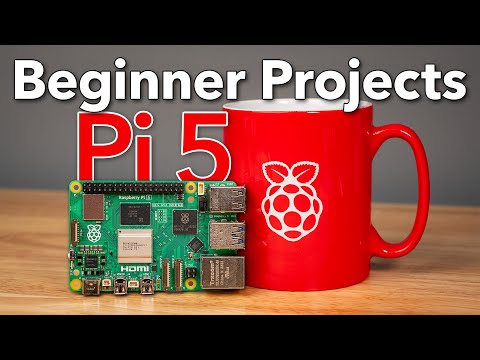
This Raspberry Pi 5 getting started guide provides a complete introduction for beginners who want to build and configure their first Raspberry Pi system. It covers everything from choosing the right hardware to running your first projects.
The tutorial begins by explaining which Raspberry Pi 5 model to choose and what essential accessories are needed, such as power supplies, storage cards, keyboard, mouse, and cases. It then demonstrates how to assemble the Raspberry Pi 5 and prepare it for first use.
Next, the course guides users through installing Raspberry Pi OS for the first time and completing the initial system boot. Learners are introduced to the Raspberry Pi desktop environment and basic system navigation.
The tutorial also explores practical hardware setup, including connecting and configuring the Raspberry Pi Camera Module and using it for remote camera control applications. This helps users understand how imaging and streaming work on Raspberry Pi.
Additionally, the guide introduces environmental monitoring using HAT modules like air quality sensors, showing how Raspberry Pi can be used in real-world IoT and data collection projects.
By the end of this tutorial, learners will understand how to fully set up Raspberry Pi 5, install its operating system, connect hardware components, and begin building simple but powerful projects.


