Blender Archviz: Introduction (Beginner Architectural Visualization Guide)
عدد الدروس : 1 عدد ساعات الدورة : 00:05:37 شهادة معتمدة : نعم التسجيل في الدورة للحصول على شهادةللحصول على شهادة
- 1- التسجيل
- 2- مشاهدة الكورس كاملا
- 3- متابعة نسبة اكتمال الكورس تدريجيا
- 4- بعد الانتهاء تظهر الشهادة في الملف الشخصي الخاص بك
قائمة الدروس
عن الدورة
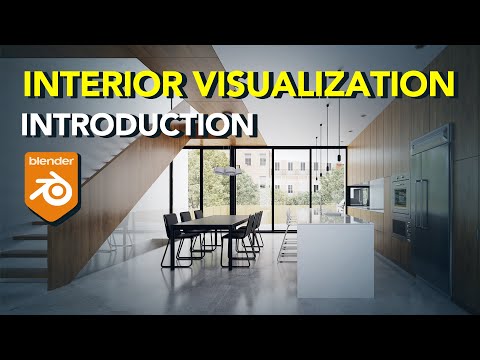
This course, “Blender Archviz: Introduction,” is designed for beginners who want to start learning architectural visualization using Blender. It explains the complete beginner workflow of creating realistic architectural scenes for both interior and exterior design.
The course begins with an overview of the Blender interface, including navigation, workspace layout, and basic tools. You will learn how to move in 3D space, select objects, and manage scenes efficiently.
Next, the tutorial introduces basic architectural modeling techniques. You will learn how to create simple structures such as walls, floors, ceilings, and openings like doors and windows, which form the base of any interior or exterior environment.
The course then moves into materials and shading, where you will understand how to apply realistic surfaces such as wood, concrete, glass, and metal to your models. This step is important for achieving a believable and professional look.
Lighting is also covered to show how natural and artificial light affects mood, depth, and realism in a scene.
Finally, the introduction explains basic rendering, helping you turn your 3D scene into a high-quality image.
By the end of this course, you will understand the full beginner pipeline of Blender archviz and be ready to explore more advanced visualizati


