Marvelous Designer for Beginners: 01 UI and Preferences
عدد الدروس : 1 عدد ساعات الدورة : 00:19:15 شهادة معتمدة : نعم التسجيل في الدورة للحصول على شهادةللحصول على شهادة
- 1- التسجيل
- 2- مشاهدة الكورس كاملا
- 3- متابعة نسبة اكتمال الكورس تدريجيا
- 4- بعد الانتهاء تظهر الشهادة في الملف الشخصي الخاص بك
عن الدورة
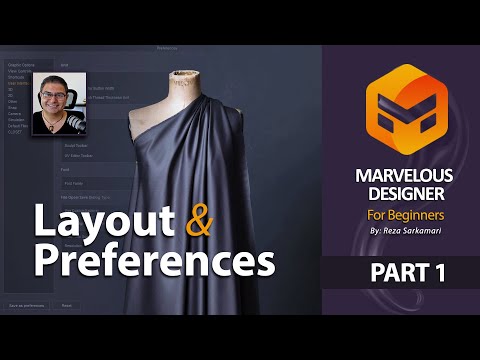
This beginner lesson in Marvelous Designer focuses on understanding the software interface and setting up preferences correctly before starting any garment design work. It is the first step for anyone who wants to learn 3D fashion design and garment simulation.
The course begins with an overview of the Marvelous Designer user interface, explaining the main panels, tools, and workspace layout. You will learn how to navigate the software efficiently, including the 2D pattern window and the 3D garment simulation window.
Next, the lesson covers essential preferences and settings that help optimize your workflow. You will understand how to adjust display settings, units, and workspace customization to match your design needs. This setup is important for creating a smooth and efficient working environment.
The tutorial also introduces basic navigation controls such as zooming, rotating, and moving around the 3D space. These skills are essential for working comfortably with garment simulations.
By the end of this lesson, you will be familiar with the Marvelous Designer interface and ready to begin creating your first patterns and garments. This foundational knowledge is crucial for progressing into more advanced fashion simulation and 3D clothing design.


