CapCut Video Editing Tutorial Using Phone (Full Course for Beginners 2026)
عدد الدروس : 1 عدد ساعات الدورة : 00:45:49 شهادة معتمدة : نعم التسجيل في الدورة للحصول على شهادةللحصول على شهادة
- 1- التسجيل
- 2- مشاهدة الكورس كاملا
- 3- متابعة نسبة اكتمال الكورس تدريجيا
- 4- بعد الانتهاء تظهر الشهادة في الملف الشخصي الخاص بك
عن الدورة
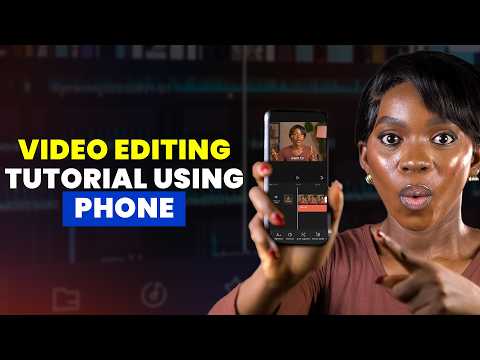
This CapCut Video Editing Tutorial Using Phone (Full Course for Beginners 2026) is designed for anyone who wants to start video editing directly from their mobile device. Whether you are creating content for TikTok, YouTube Shorts, Instagram Reels, or personal projects, this course will guide you step by step from beginner to confident editor.
The course starts with a complete introduction to CapCut on mobile, showing you how to install the app, set up your project, and understand the main interface. You will learn how to import videos, photos, and audio files, and organize them properly inside your timeline.
Next, you will explore essential editing tools such as trimming, cutting, splitting clips, and adjusting speed. These basic skills form the foundation of all video editing workflows and help you build clean, professional-looking videos.
The course also covers creative tools like transitions, text animation, filters, effects, and music syncing. You will learn how to make your videos more engaging and visually appealing using CapCut’s built-in features.
Finally, you will understand how to export videos in the best quality for different social media platforms while keeping file sizes optimized.
By the end of this course, you will be able to confidently edit high-quality videos using only your phone and CapCut.


