Google SketchUp Tutorial Series – Basics, Tools & Simple House Modeling
عدد الدروس : 13 عدد ساعات الدورة : 00:41:43 شهادة معتمدة : نعم التسجيل في الدورة للحصول على شهادةللحصول على شهادة
- 1- التسجيل
- 2- مشاهدة الكورس كاملا
- 3- متابعة نسبة اكتمال الكورس تدريجيا
- 4- بعد الانتهاء تظهر الشهادة في الملف الشخصي الخاص بك
قائمة الدروس
عن الدورة
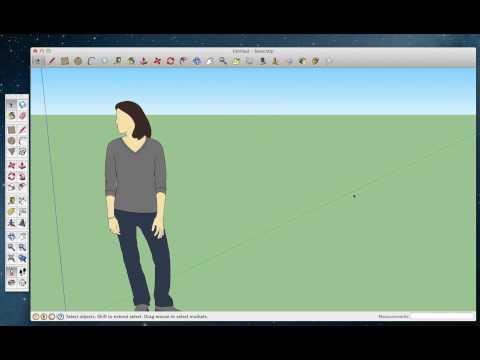
This Google SketchUp tutorial series is designed for absolute beginners who want to learn the fundamentals of 3D modeling using simple and clear steps. It introduces the core tools and concepts needed to start creating basic models in SketchUp.
You will begin with the basics of the software, learning how to navigate the interface and understand essential modeling principles. The course then introduces one of the most important tools in SketchUp, the Push/Pull tool, which allows you to turn flat shapes into 3D objects.
You will also learn how to create holes and more complex shapes using Push/Pull, helping you understand how 3D geometry works. As you progress, the tutorials cover curved surfaces, shape creation using line and scale tools, and applying simple fill effects to your designs.
A practical part of the course focuses on building a simple house model, including basic elements such as walls, roofs, doors, and windows. This helps you apply all the tools you learned in a real project.
The series also introduces the concept of extensions, showing how SketchUp can be expanded with additional tools to improve functionality.
By the end of this tutorial series, you will have a solid understanding of SketchUp basics and be able to create simple 3D models and basic architectural structures confidently.


