MicrosoftMicrosoft 365 Automation with monday.com | Outlook, SharePoint & Workflows Tutorial
عدد الدروس : 38 عدد ساعات الدورة : 01:47:04 شهادة معتمدة : نعم التسجيل في الدورة للحصول على شهادةللحصول على شهادة
- 1- التسجيل
- 2- مشاهدة الكورس كاملا
- 3- متابعة نسبة اكتمال الكورس تدريجيا
- 4- بعد الانتهاء تظهر الشهادة في الملف الشخصي الخاص بك
قائمة الدروس
عن الدورة
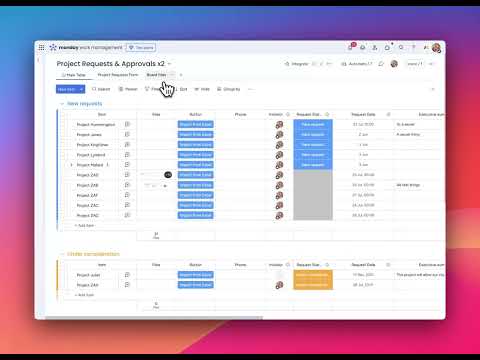
You will start by learning how to send automated emails using Outlook directly from monday.com. This helps streamline communication and ensures that messages are triggered automatically based on project updates or actions.
Next, you will explore how to create Outlook calendar events from monday.com. This feature allows teams to automatically schedule meetings and group events without switching between applications.
The tutorial also explains how to create SharePoint folders automatically when new items are added in monday.com. This helps keep project files organized and ensures that documentation is stored in the correct location without manual setup.
In addition, you will learn how these integrations work together to build powerful workflows across Microsoft 365 and monday.com. These automations help teams save time, reduce errors, and improve collaboration efficiency.
By the end of this tutorial, you will understand how to connect monday.com with Microsoft 365 tools and build practical automation workflows for real business use.


