SharePoint 2026 Full Beginner’s Guide: Build Modern Communication Sites
عدد الدروس : 1 عدد ساعات الدورة : 00:49:48 شهادة معتمدة : نعم التسجيل في الدورة للحصول على شهادةللحصول على شهادة
- 1- التسجيل
- 2- مشاهدة الكورس كاملا
- 3- متابعة نسبة اكتمال الكورس تدريجيا
- 4- بعد الانتهاء تظهر الشهادة في الملف الشخصي الخاص بك
عن الدورة
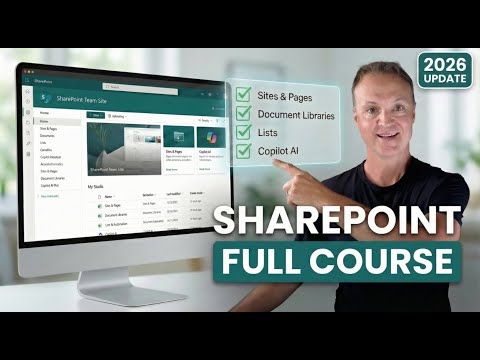
This SharePoint 2026 Full Beginner’s Guide by Teacher’s Tech is designed for anyone looking to master modern SharePoint Communication Sites. Using a real-world project called "ChronoTours," a Time Travel Agency, learners explore how to replace messy folders with powerful metadata and views, ensuring smarter file management. The course demonstrates creating and customizing SharePoint sites, adjusting menus, themes, logos, and fonts, and adding members with the right permission levels.
Learners also dive into document libraries, understanding when to separate Media vs. Document libraries, version history, and restoring files from the recycle bin. SharePoint Lists are introduced to replace Excel for building systems like Travel Requests. The tutorial covers creating engaging pages, adding news posts, and using web parts effectively. Advanced features like integrating Microsoft Teams, using AI (Copilot) to generate content instantly, and proper governance are also explained.
By the end of this course, users will confidently create and manage modern SharePoint Communication Sites, build efficient document management systems, and use AI tools to enhance collaboration and productivity. Ideal for beginners and Microsoft 365 users in 2026 who want to streamline team workflows.


