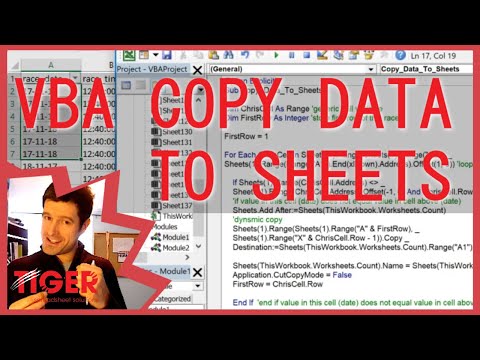
Microsoft Excel VBA Basics #1 🧑💻 Getting Started with Range Object, Running & Debugging
عدد الدروس : 71 عدد ساعات الدورة : 15:40:10 شهادة معتمدة : نعم التسجيل في الدورة للحصول على شهادةللحصول على شهادة
- 1- التسجيل
- 2- مشاهدة الكورس كاملا
- 3- متابعة نسبة اكتمال الكورس تدريجيا
- 4- بعد الانتهاء تظهر الشهادة في الملف الشخصي الخاص بك
قائمة الدروس
عن الدورة
This Excel VBA Basics #1 – Getting Started with Range Object, Running & Debugging is an essential beginner lesson that introduces you to the core building blocks of Visual Basic for Applications (VBA) in Microsoft Excel. It is perfect for anyone starting their journey in Excel automation.
The lesson begins by explaining the Range object, which is one of the most important concepts in VBA. You will learn how to reference and manipulate cells using Range, allowing you to control Excel data programmatically.
Next, the tutorial shows you how to run VBA code, helping you understand how macros are executed inside Excel. This includes different methods of running your code efficiently while testing your scripts.
A key part of the lesson focuses on debugging, where you will learn how to identify and fix errors in your VBA code. Understanding debugging tools is crucial for improving your coding skills and avoiding common mistakes.
You will also get familiar with the basic workflow inside the VBA environment, helping you build confidence as you start writing your own scripts.
By the end of this lesson, you will have a strong understanding of how to work with the Range object, run VBA code, and debug simp


