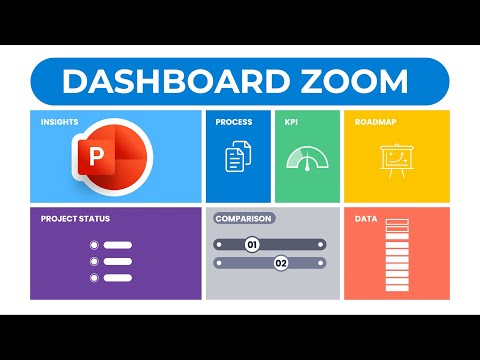
PowerPoint Slide Zoom Masterclass 🔥 Interactive Presentations, Hover Effects & Prezi-Style Design
عدد الدروس : 20 عدد ساعات الدورة : 04:56:32 شهادة معتمدة : نعم التسجيل في الدورة للحصول على شهادةللحصول على شهادة
- 1- التسجيل
- 2- مشاهدة الكورس كاملا
- 3- متابعة نسبة اكتمال الكورس تدريجيا
- 4- بعد الانتهاء تظهر الشهادة في الملف الشخصي الخاص بك
قائمة الدروس
عن الدورة
This PowerPoint Slide Zoom Masterclass is a complete training course focused on creating interactive and dynamic presentations using one of PowerPoint’s most powerful features: Slide Zoom. It is designed for users who want to move beyond traditional slides and build modern, engaging, and non-linear presentations.
The course begins with a step-by-step introduction to Slide Zoom, showing how to navigate between sections smoothly and create interactive presentation flows. You will learn how to build section zooms, summary zooms, and slide links that make your presentation more dynamic and user-friendly.
A major part of the course focuses on advanced techniques such as hover zoom effects, scrolling zoom presentations, and interactive navigation systems. These tools help you create presentations that feel more like websites or apps rather than static slides.
You will also learn how to design Prezi-style presentations inside PowerPoint, giving your slides a modern and cinematic feel. In addition, the course includes practical tips, free templates, and presentation strategies to improve clarity and audience engagement.
By the end of this course, you will be able to create professional interactive presentations that stand out in business meetings, pitches, and educational content. This training is ideal for anyone who wants to upgrade their PowerPoint skills and build visually im


