Apple Numbers Advanced Functions & Productivity
عدد الدروس : 9 عدد ساعات الدورة : 00:54:10 شهادة معتمدة : نعم التسجيل في الدورة للحصول على شهادةللحصول على شهادة
- 1- التسجيل
- 2- مشاهدة الكورس كاملا
- 3- متابعة نسبة اكتمال الكورس تدريجيا
- 4- بعد الانتهاء تظهر الشهادة في الملف الشخصي الخاص بك
قائمة الدروس
عن الدورة
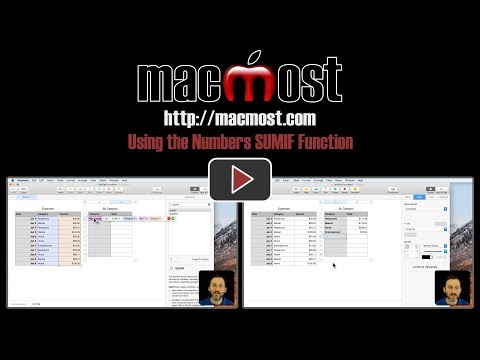
This Apple Numbers course is designed for Mac and iOS users who want to take their spreadsheet skills to the next level. It begins with fundamental formulas such as SUMIF and LOOKUP, helping students calculate data dynamically and retrieve information efficiently across tables.
The course also covers creating simple data entry forms on iOS, linking cells across tables and sheets to maintain consistent information, and tracking monthly expenses on a single spreadsheet for easy financial management. Conditional highlighting techniques are taught to visually emphasize important data and trends.
Beyond formulas, learners explore workflow optimization through Mac features such as Split View and Mission Control, ensuring multitasking is smooth when working with Numbers. Keyboard shortcuts are introduced to increase speed and productivity, making everyday tasks faster and more efficient. By the end of the course, students will be able to automate calculations, manage financial data, and leverage Apple Numbers’ advanced features to create inte


