Apple Products Complete Guide: iPhone, iPad, Mac & Accessories
عدد الدروس : 6 عدد ساعات الدورة : 02:35:23 شهادة معتمدة : نعم التسجيل في الدورة للحصول على شهادةللحصول على شهادة
- 1- التسجيل
- 2- مشاهدة الكورس كاملا
- 3- متابعة نسبة اكتمال الكورس تدريجيا
- 4- بعد الانتهاء تظهر الشهادة في الملف الشخصي الخاص بك
قائمة الدروس
عن الدورة
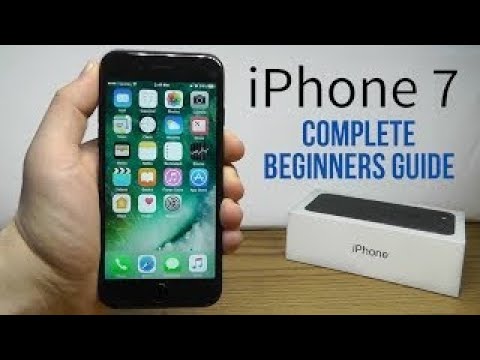
This comprehensive course introduces learners to Apple products, covering iPhones, iPads, Macs, and essential accessories. Starting with the iPhone 7, beginners will learn setup procedures, basic navigation, and tips to maximize device performance. Mac tutorials are included for PC users transitioning to macOS, covering essential functions, shortcuts, and basic operations for daily productivity. The course also explores keyboard shortcuts, USB-C usage, and managing software updates for Apple devices. Security tips such as removing disabled devices and resetting passcodes on iPads and iPhones are demonstrated step by step. Additionally, learners get insights into new features in iOS versions, such as iOS 11 for iPad Pro, helping them stay updated with Apple’s ecosystem. By the end of this course, participants will be able to confidently navigate Apple products, perform common troubleshooting, and optimize their workflow using Apple hardware and software. The course is designed to simplify Apple devices for beginners while providing practical insights for intermediate users, making it a one-stop guide for anyone looking to master iPhones, iPads, and Macs.


