Mac Computer Basics & Tips: Complete Guide for Beginners
عدد الدروس : 10 عدد ساعات الدورة : 03:44:58 شهادة معتمدة : نعم التسجيل في الدورة للحصول على شهادةللحصول على شهادة
- 1- التسجيل
- 2- مشاهدة الكورس كاملا
- 3- متابعة نسبة اكتمال الكورس تدريجيا
- 4- بعد الانتهاء تظهر الشهادة في الملف الشخصي الخاص بك
قائمة الدروس
عن الدورة
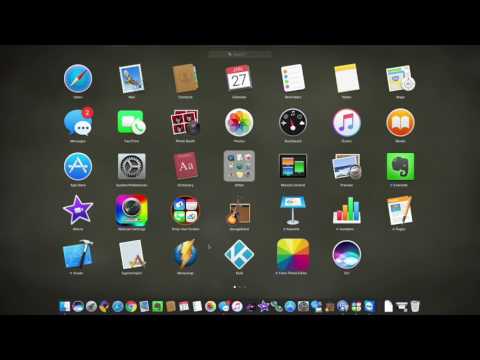
This comprehensive course is designed for anyone new to Mac computers or looking to improve their Mac skills. Starting with an introduction to Mac hardware and software, learners will explore essential Mac functions, basic navigation, and the macOS interface. The course covers Mojave edition features, Mac keyboard shortcuts, and hidden tricks to maximize productivity. It also guides beginners through their first experience with a Mac, including setup, system preferences, and application management. Additionally, the course provides a step-by-step manual for iMac users, covering everything from basic operations to more advanced tips. A dedicated section helps Windows users transition smoothly to Mac, highlighting key differences and must-know tips for efficient workflow. By the end of the course, students will be confident using their Mac, understanding essential shortcuts and tricks, and leveraging the full potential of macOS. Whether for personal use, study, or work, this course equips learners with practical skills and insider knowledge to make the most of their Mac computer experience.


