Google Workspace Tutorial for Beginners – Complete Guide
عدد الدروس : 1 عدد ساعات الدورة : 02:51:04 شهادة معتمدة : نعم التسجيل في الدورة للحصول على شهادةللحصول على شهادة
- 1- التسجيل
- 2- مشاهدة الكورس كاملا
- 3- متابعة نسبة اكتمال الكورس تدريجيا
- 4- بعد الانتهاء تظهر الشهادة في الملف الشخصي الخاص بك
قائمة الدروس
عن الدورة
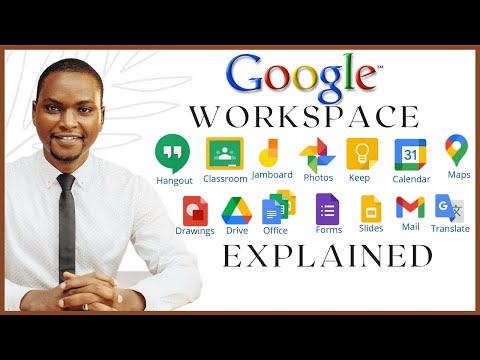
This Google Workspace tutorial for beginners is designed to help you understand and use essential Google tools بسهولة ومن الصفر. The course introduces you to the core applications including Google Drive, Google Docs, Google Sheets, and Google Slides, focusing on practical usage for daily tasks. You will start by learning how to store, organize, and share files using Google Drive, making your work accessible from anywhere. Then, you will explore Google Docs to create, edit, and format documents, along with real-time collaboration features. In Google Sheets, you will learn how to manage data, use basic formulas, and create simple spreadsheets for personal or professional use. The course also covers Google Slides, teaching you how to design clean and effective presentations. Throughout the lessons, you will discover how to collaborate with others, manage permissions, and improve productivity using cloud-based tools. By the end of the course, you will have a solid foundation in Google Workspace and be able to use these tools confidently for work, study, or everyday tasks. This course is perfect for beginners with no prior experience.


