Autodesk Fusion for Beginners – Recorded Webinar
عدد الدروس : 1 عدد ساعات الدورة : 00:58:34 شهادة معتمدة : نعم التسجيل في الدورة للحصول على شهادةللحصول على شهادة
- 1- التسجيل
- 2- مشاهدة الكورس كاملا
- 3- متابعة نسبة اكتمال الكورس تدريجيا
- 4- بعد الانتهاء تظهر الشهادة في الملف الشخصي الخاص بك
قائمة الدروس
عن الدورة
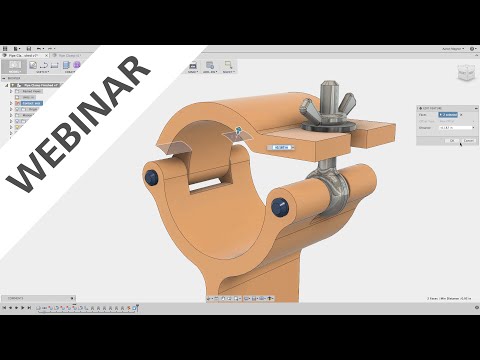
This recorded webinar provides a clear introduction to Autodesk Fusion, one of the most powerful tools for 3D design, engineering, and product development. The course is designed specifically for beginners who want to understand the core features of the software and start creating their own 3D models.
The lesson begins with an overview of the Fusion interface, helping learners understand the workspace, navigation controls, and main toolbars. Students will learn how to move around the design environment, manage files, and organize their projects effectively.
The webinar then introduces sketching, which is the foundation of most 3D models in Fusion. Learners will discover how to create sketches, apply dimensions, and build the basic shapes used in design. From there, the course explains how to transform sketches into 3D models using tools such as extrude, revolve, and other common modeling features.
In addition, the session briefly covers parametric design, allowing users to modify designs easily by adjusting parameters and dimensions. By the end of the webinar, learners will understand the essential workflow used in Autodesk Fusion and feel confident starting their first design projects.
This course is ideal for beginners, students, engineers, and anyone interested in learning professional CAD and 3D modeling software.


