Fusion 360 Tutorial: CAM Basics
عدد الدروس : 1 عدد ساعات الدورة : 01:10:40 شهادة معتمدة : نعم التسجيل في الدورة للحصول على شهادةللحصول على شهادة
- 1- التسجيل
- 2- مشاهدة الكورس كاملا
- 3- متابعة نسبة اكتمال الكورس تدريجيا
- 4- بعد الانتهاء تظهر الشهادة في الملف الشخصي الخاص بك
قائمة الدروس
عن الدورة
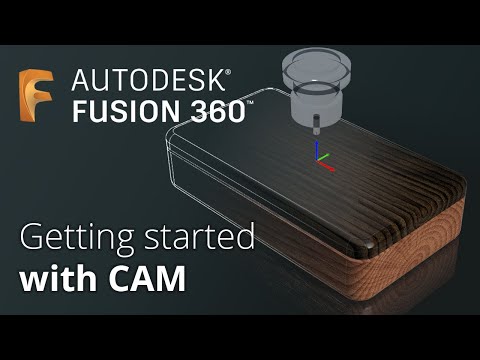
This course introduces the fundamentals of Computer-Aided Manufacturing (CAM) using Fusion 360. Designed for beginners, it explains how to move from a digital design to real-world manufacturing using CNC machines and automated production tools. Learners will explore the CAM workspace in Fusion 360 and understand how to set up machining operations efficiently.
The course covers essential topics such as toolpath creation, machining strategies, and preparing models for CNC milling. Students will learn how to define stock material, select cutting tools, and configure machining parameters to ensure accurate production results. Step-by-step demonstrations guide learners through creating basic machining operations and generating toolpaths that can be used in real manufacturing environments.
In addition, the course introduces simulation tools that allow users to preview machining processes before sending them to a machine. This helps identify errors, improve efficiency, and reduce material waste. Learners will also understand post-processing and exporting machine-ready code for CNC systems.
By the end of the course, participants will have a clear understanding of CAM fundamentals and how Fusion 360 connects digital design with manufacturing processes. This course is ideal for engineers, designers, makers, and beginners interested in CNC mac


