Free Adobe Premiere Pro Course for Beginners – Complete Video Editing Tutorial
عدد الدروس : 1 عدد ساعات الدورة : 06:05:46 شهادة معتمدة : نعم التسجيل في الدورة للحصول على شهادةللحصول على شهادة
- 1- التسجيل
- 2- مشاهدة الكورس كاملا
- 3- متابعة نسبة اكتمال الكورس تدريجيا
- 4- بعد الانتهاء تظهر الشهادة في الملف الشخصي الخاص بك
عن الدورة
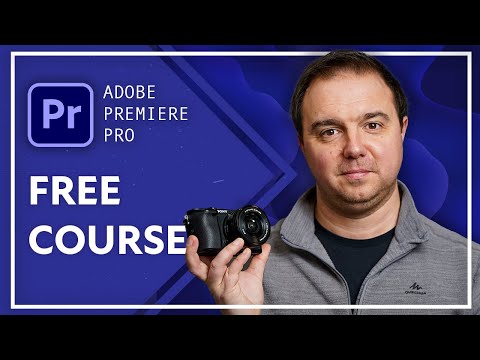
This free Adobe Premiere Pro course is perfect for beginners looking to master the fundamentals of video editing. Created by Skillademia, the course guides learners step-by-step through the entire editing workflow in Premiere Pro, from project setup to exporting high-quality videos.
The course starts by helping you download and install Adobe Premiere Pro and introduces the interface, workspace, and essential settings. You will learn how to create and organize projects, set up sequences, and understand video tracks, frame rates, and aspect ratios.
Next, the course teaches practical editing techniques including trimming clips, arranging footage, and working efficiently with the program and source monitors. You’ll also learn to manipulate media using position, scale, rotation, and basic effects like drop shadows, crop, and color mattes.
The tutorial covers adding smooth transitions, working with proxies for high frame-rate footage, and correcting lighting issues in too bright or too dark clips. You’ll also explore best practices for slow-motion video and stabilizing shaky footage.
Finally, the course explains export settings to ensure your videos look professional on social media or YouTube. By the end of this tutorial, beginners will confidently navigate Premiere Pro and create polished, high-quality video projects from start to finish.


