Get Started with Adobe Premiere Pro 2023 – Free Beginner’s Course
عدد الدروس : 1 عدد ساعات الدورة : 00:43:20 شهادة معتمدة : نعم التسجيل في الدورة للحصول على شهادةللحصول على شهادة
- 1- التسجيل
- 2- مشاهدة الكورس كاملا
- 3- متابعة نسبة اكتمال الكورس تدريجيا
- 4- بعد الانتهاء تظهر الشهادة في الملف الشخصي الخاص بك
عن الدورة
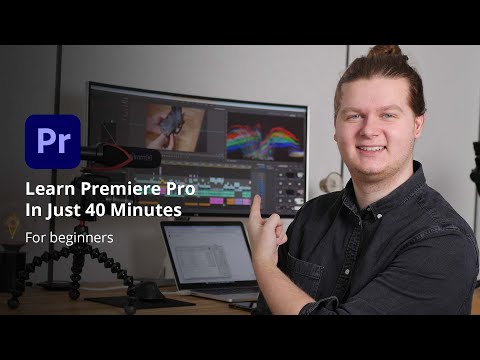
This beginner’s course is perfect for anyone new to Adobe Premiere Pro 2023 who wants to start editing videos quickly and efficiently. In just 40 minutes, Joey from ShootThatVideo guides you through all the basics you need to create your first professional-looking video.
The course begins with an overview of file management and setting up a new project. You will learn how to navigate the Premiere Pro workspace, import your footage, and create sequences to structure your project. The timeline is explained in detail, including how to sync audio, trim clips, and arrange B-roll to build a cohesive story.
Next, you’ll explore editing tools such as keyframe animations, video transitions, and effects controls to enhance your video’s visual quality. The tutorial also covers adding text, inserting images, and layering elements to make your content more engaging.
You will also learn how to include background music and perform basic color correction to give your video a polished look. Finally, the course teaches the correct export settings so your project is ready for YouTube, social media, or other platforms.
By the end of this free course, beginners will gain the confidence to edit videos in Premiere Pro, applying foundational techniques to produce high-quality, professional content.


