Premiere Pro Crash Course 2025 EVERY Beginner Needs
عدد الدروس : 1 عدد ساعات الدورة : 00:37:25 شهادة معتمدة : نعم التسجيل في الدورة للحصول على شهادةللحصول على شهادة
- 1- التسجيل
- 2- مشاهدة الكورس كاملا
- 3- متابعة نسبة اكتمال الكورس تدريجيا
- 4- بعد الانتهاء تظهر الشهادة في الملف الشخصي الخاص بك
عن الدورة
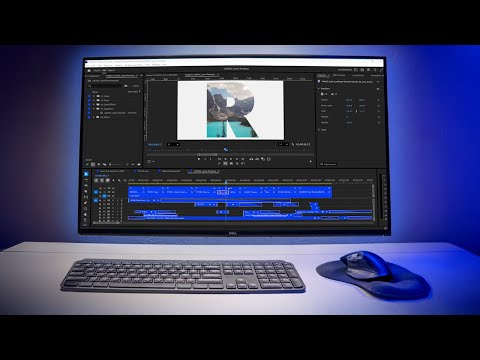
Master Adobe Premiere Pro in this 2025 crash course designed for beginners. You’ll start by creating a new project, learning proper naming and saving conventions, and using a project folder template to stay organized. The tutorial guides you through importing media efficiently, creating bins, and working with sequences to structure your videos effectively.
Next, you’ll explore the Premiere Pro workspace, timeline, and source monitor for smooth editing. Learn to add clips, set in/out points, and use JKL playback shortcuts for faster workflow. You’ll also dive into audio, adding music, adjusting track heights and volumes, and harmonizing sound effects.
The course covers essential editing tools such as the rolling edit tool, and introduces text overlays, keyframe animation, and smooth motion techniques. By the end of this crash course, you’ll confidently create and export fully edited videos, applying professional editing techniques to your own projects. Perfect for anyone starting with Premiere Pro, this step-by-step tutorial ensures you build a solid foundation for video editing.


