Unreal Engine 5 for Architecture – Full Beginner Course
عدد الدروس : 1 عدد ساعات الدورة : 05:28:29 شهادة معتمدة : نعم التسجيل في الدورة للحصول على شهادةللحصول على شهادة
- 1- التسجيل
- 2- مشاهدة الكورس كاملا
- 3- متابعة نسبة اكتمال الكورس تدريجيا
- 4- بعد الانتهاء تظهر الشهادة في الملف الشخصي الخاص بك
عن الدورة
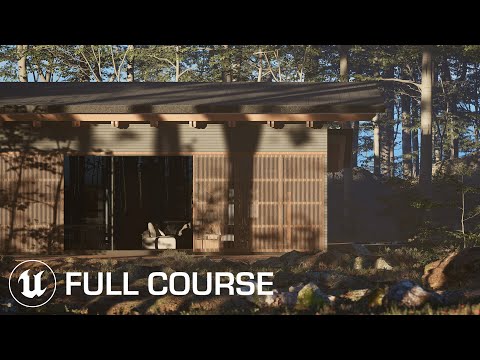
In this full beginner course by Gediminas Kirdeikis, you’ll learn how to use Unreal Engine 5 for professional architectural visualization from start to finish.
The course begins with project setup and exporting models using Datasmith, ensuring a smooth workflow between 3D modeling software and Unreal Engine. You’ll then explore the Environment Light Mixer and Lumen lighting system to create realistic global illumination and natural lighting conditions.
A large portion of the course focuses on building high-quality materials using Quixel Bridge and importing foliage assets from Quixel and the Marketplace to enhance realism. You’ll also learn proper camera setup, light sources configuration, and detailed scene adjustments to achieve photorealistic results.
Advanced topics include importing custom textures and models, adding decals for realism (like subtle surface imperfections), and optimizing project settings. The tutorial finishes with cinematic rendering using the Level Sequencer and Movie Render Queue, followed by final color grading and post-production in DaVinci Resolve.
By the end, you’ll understand the full architectural visualization workflow in Unreal Engine 5 — from model import to high-end cinematic export.


