How to Make an FPS in Unity 6 – Complete Beginner Game Tutorial
عدد الدروس : 11 عدد ساعات الدورة : 02:28:20 شهادة معتمدة : نعم التسجيل في الدورة للحصول على شهادةللحصول على شهادة
- 1- التسجيل
- 2- مشاهدة الكورس كاملا
- 3- متابعة نسبة اكتمال الكورس تدريجيا
- 4- بعد الانتهاء تظهر الشهادة في الملف الشخصي الخاص بك
قائمة الدروس
عن الدورة
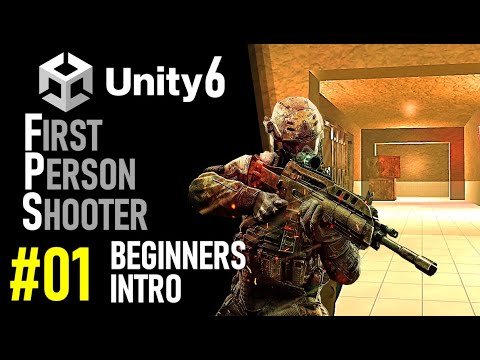
his Unity 6 FPS tutorial series is designed for beginners who want to create a fully functional first-person shooter game from scratch. The course provides step-by-step guidance, combining Unity’s powerful tools with practical scripting lessons in C#.
The series begins with an introduction to FPS game development, teaching project setup, player controls, and navigating the Unity interface. Students then learn to create and apply materials, import player models, and configure basic FPS mechanics. Essential gameplay features like firing a gun, animating weapons, and setting up crosshairs are covered in detail to ensure smooth player interactions.
As learners progress, the course explores advanced FPS elements such as displaying ammo count, gun fire control, collecting ammo, and using raycasting for precise shooting mechanics. Each lesson builds on the previous one, allowing students to develop a cohesive and playable FPS game.
By the end of the tutorial series, learners will have a working FPS game in Unity 6, with fully implemented shooting mechanics, animations, and UI elements. This course equips beginners with the skills and confidence to create more complex FPS games


