PixelLab Graphic Design Free Course – Lesson 1: Tools & Features
عدد الدروس : 1 عدد ساعات الدورة : 00:10:35 شهادة معتمدة : نعم التسجيل في الدورة للحصول على شهادةللحصول على شهادة
- 1- التسجيل
- 2- مشاهدة الكورس كاملا
- 3- متابعة نسبة اكتمال الكورس تدريجيا
- 4- بعد الانتهاء تظهر الشهادة في الملف الشخصي الخاص بك
عن الدورة
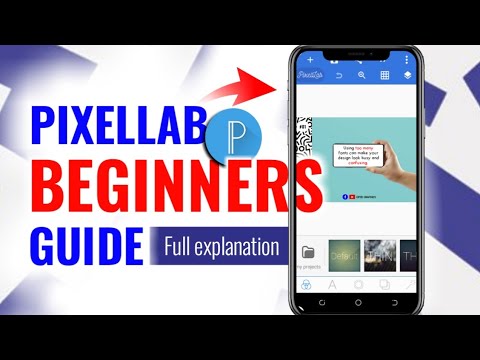
This free PixelLab graphic design course starts with Lesson 1, focusing on understanding the core tools and features of the PixelLab application. It is designed for beginners who want to create professional-looking designs using a simple mobile-based design tool.
The lesson begins with an overview of the PixelLab interface, helping learners understand how to navigate the workspace efficiently. It introduces the main tools such as text editing, shape creation, image import, layer management, and background customization.
Learners will explore how to add and edit text, adjust fonts, apply styles, and position elements accurately within a design. The course also explains how shapes and images can be used to build creative layouts and improve visual composition.
A key focus is placed on understanding layers, which is essential for organizing design elements and creating clean, structured graphics. Participants will also learn how to use basic effects like shadows, outlines, and gradients to enhance their designs.
By the end of this lesson, learners will have a solid understanding of PixelLab’s essential tools and how they work together. This foundation prepares them for more advanced lessons in graphic design and mobile-based creative projects.


