IDI Module 1: Complete Your Interior Design Assignment Using Canva in 1 Hour
عدد الدروس : 1 عدد ساعات الدورة : 00:51:18 شهادة معتمدة : نعم التسجيل في الدورة للحصول على شهادةللحصول على شهادة
- 1- التسجيل
- 2- مشاهدة الكورس كاملا
- 3- متابعة نسبة اكتمال الكورس تدريجيا
- 4- بعد الانتهاء تظهر الشهادة في الملف الشخصي الخاص بك
قائمة الدروس
عن الدورة
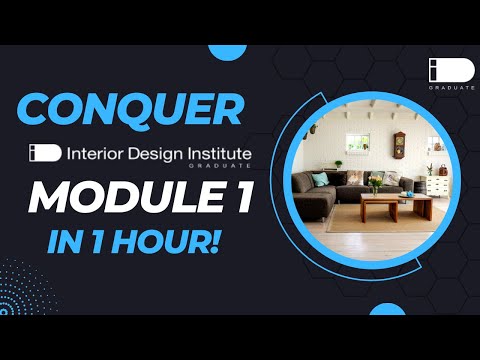
This module focuses on completing an interior design assignment efficiently using simple digital tools, specifically Canva. The goal is to help beginners understand how to present interior design ideas clearly, even without advanced software skills. This approach is especially useful for students working on foundational design tasks in programs such as Interior Design Institute.
The process begins with understanding the assignment requirements. Interior design presentations usually include mood boards, concept development, color palettes, furniture inspiration, and layout ideas. Before starting in Canva, it is important to organize all visual references and define a clear design concept.
Next comes setting up the presentation layout. In Canva, users can choose from ready-made templates or create a custom canvas. A clean and structured layout is essential for communicating ideas professionally. Each page should focus on one aspect of the design, such as inspiration, materials, or final concept boards.
Mood board creation is a key step in this process. A mood board visually communicates the style direction of the interior design project. It may include images of furniture, textures, colors, lighting styles, and architectural references. Using drag-and-drop tools in Canva makes it easy to organize these elements into a cohesive visual story.
Color selection is another important component. Interior design relies heavily on color harmony to create mood and atmosphere. Canva allows users to experiment with color palettes and apply consistent tones across all pages of the presentation. This ensures visual unity and strengthens the overall concept.


