Blender Basic Modeling Tutorial | Beginner 3D Mesh Editing (Part 2)
عدد الدروس : 1 عدد ساعات الدورة : 00:18:39 شهادة معتمدة : نعم التسجيل في الدورة للحصول على شهادةللحصول على شهادة
- 1- التسجيل
- 2- مشاهدة الكورس كاملا
- 3- متابعة نسبة اكتمال الكورس تدريجيا
- 4- بعد الانتهاء تظهر الشهادة في الملف الشخصي الخاص بك
عن الدورة
This second part of the Blender 4.0 beginner tutorial series focuses on introducing the core principles of 3D modeling. After understanding the interface and navigation, the next step is learning how to create and modify objects using Blender’s modeling tools.
The lesson begins by revisiting primitive objects such as cubes, spheres, and cylinders. These basic shapes are the building blocks of almost every 3D model. You learn how to add these objects into the scene and prepare them for editing.
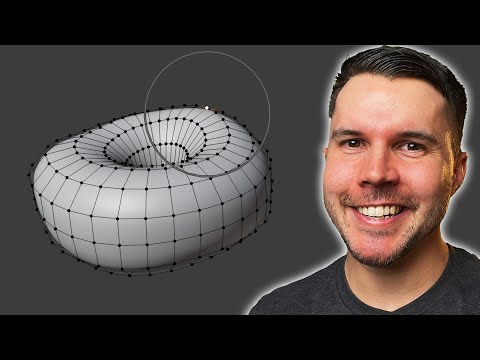
A major focus of this tutorial is Edit Mode, where actual modeling takes place. In Edit Mode, you can manipulate an object’s geometry by working with vertices, edges, and faces. Each component plays a different role in shaping the structure of the model.
Vertices control individual points in space, edges connect those points, and faces create the surfaces between them. Understanding how these elements interact is essential for building clean and accurate models.
The tutorial demonstrates how to use basic modeling tools such as extrude, scale, and loop cuts. Extrusion allows you to extend geometry outward, which is fundamental for building complex shapes from simple ones. Loop cuts help you add detail and control the flow of geometry, while scaling adjusts proportions.
You also learn how to move between Object Mode and Edit Mode efficiently. Object Mode is used for positioning entire objects, while Edit Mode is used for shaping their internal structure. Knowing when to switch between these modes is critical for a smooth workflow.
Basic transformation tools are reinforced, including moving, rotating, and scaling selected geometry. These tools are used constantly in modeling and form the foundation of all 3D creation workflows.


