Blender Grease Pencil Character | 2D Character Drawing & Setup (Beginner Guide)
عدد الدروس : 1 عدد ساعات الدورة : 00:46:13 شهادة معتمدة : نعم التسجيل في الدورة للحصول على شهادةللحصول على شهادة
- 1- التسجيل
- 2- مشاهدة الكورس كاملا
- 3- متابعة نسبة اكتمال الكورس تدريجيا
- 4- بعد الانتهاء تظهر الشهادة في الملف الشخصي الخاص بك
عن الدورة
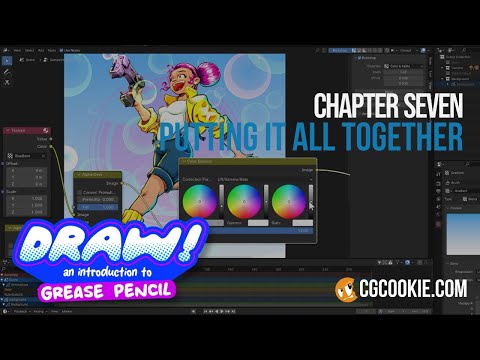
This Blender tutorial focuses on creating a full Grease Pencil character, building on the fundamentals of drawing, materials, and layers inside Blender. The goal is to take simple sketches and develop them into a structured character that can be used for animation or illustration.
The process begins with planning the character design. Before drawing in Blender, it’s important to define basic proportions, shapes, and style direction. This helps maintain consistency throughout the drawing and makes the animation process easier later on.
You start by creating a Grease Pencil object and setting up a clean workspace for drawing. Using reference images can help guide proportions and ensure accuracy when constructing the character. The drawing process begins with rough sketching using light strokes to establish the overall shape.
Once the base sketch is complete, cleaner line work is added on top. This step focuses on refining outlines, improving structure, and defining the character’s silhouette. Strong silhouettes are important because they make characters readable even without detail.
The tutorial then moves into layer organization. Grease Pencil layers are used to separate different parts of the character, such as the head, body, facial features, and clothing. This separation makes editing and animation much easier later in the workflow.
Materials are applied to different parts of the character to add color and visual structure. Stroke and fill materials help define outlines and internal shapes, giving the character a more finished and stylized appearance. Consistent color choices are important for maintaining a cohesive design.
Basic shading techniques are also introduced. Simple shadow shapes can be added using additional layers or materials to give the character depth and dimension while still maintaining a 2D style.


