Pro Weight Painting in Blender | Clean Character Deformation for Rigging
عدد الدروس : 1 عدد ساعات الدورة : 00:54:20 شهادة معتمدة : نعم التسجيل في الدورة للحصول على شهادةللحصول على شهادة
- 1- التسجيل
- 2- مشاهدة الكورس كاملا
- 3- متابعة نسبة اكتمال الكورس تدريجيا
- 4- بعد الانتهاء تظهر الشهادة في الملف الشخصي الخاص بك
قائمة الدروس
عن الدورة
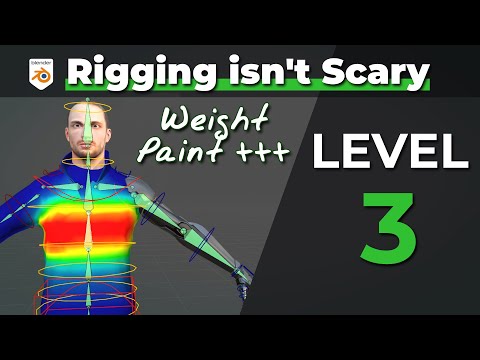
This rigging lesson focuses on one of the most critical steps in character setup: weight painting. Weight painting defines how a character’s mesh reacts when bones move, and it directly affects the quality of deformation in animation. Even a perfectly built rig can look broken if weights are not properly assigned.
The lesson begins with understanding what weights actually represent. Each bone in a rig influences nearby vertices on the mesh, and the strength of this influence is controlled through weight values. Areas painted with stronger weights follow a bone more closely, while weaker areas are influenced less or by other bones.
You start by examining how deformation behaves in simple joints such as elbows, knees, and shoulders. These areas are naturally complex because multiple bones affect nearby geometry during movement. Proper weight distribution ensures smooth bending instead of collapsing or stretching.
A key focus is on cleaning up automatic weights. While Blender can automatically assign weights when a mesh is parented to a rig, these results often need refinement. You learn how to manually adjust weights to fix common issues such as pinching, stretching, or unwanted influence from nearby bones.
Brush tools are used to paint weights directly onto the model. The add, subtract, blur, and smooth brushes help refine deformation gradually. Smooth blending between bone influences is essential for natural movement, especially in organic characters.
You also learn how to isolate specific bones during weight painting to ensure precision. By focusing on one bone at a time, you can carefully control exactly how each part of the mesh reacts during animation.
Another important concept is weight normalization. This ensures that all bone influences add up correctly so the mesh deforms consistently. Without proper normalization, areas of the model may behave unpredictably during animation.


