Blender Basics for Beginners | Animating an Aircraft Step by Step
عدد الدروس : 1 عدد ساعات الدورة : 01:56:22 شهادة معتمدة : نعم التسجيل في الدورة للحصول على شهادةللحصول على شهادة
- 1- التسجيل
- 2- مشاهدة الكورس كاملا
- 3- متابعة نسبة اكتمال الكورس تدريجيا
- 4- بعد الانتهاء تظهر الشهادة في الملف الشخصي الخاص بك
عن الدورة
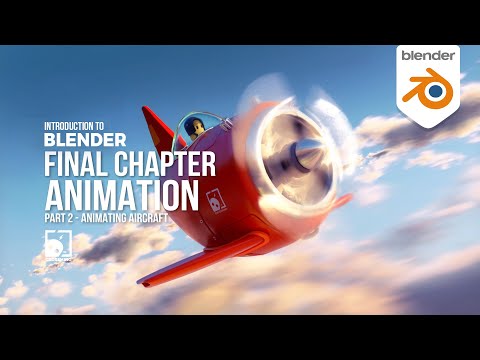
In this stage of the Blender learning path, you move from static modeling into animation by learning how to bring an aircraft model to life. Animation in Blender is based on creating movement over time using keyframes, which allows you to control how objects change position, rotation, or scale across a timeline.
The process begins with understanding the timeline and how time is represented in Blender. The timeline is where all animation happens, and it allows you to set specific points where changes occur. These points are called keyframes, and they form the foundation of every animation.
You start by setting a basic animation for the aircraft, such as moving it forward through the scene. This is done by placing keyframes at different points in time and adjusting the object’s location between them. Blender automatically calculates the smooth movement between these keyframes, creating natural motion without needing frame-by-frame editing.
As you continue, you learn how to control animation curves and spacing. This helps refine the motion and make it feel more realistic rather than mechanical. Small adjustments in timing can greatly improve the quality of the animation and make the aircraft movement more believable.
You also get introduced to basic rotation and transformation animation, allowing the aircraft to tilt, turn, or adjust its position in a more dynamic way. These simple transformations are essential for creating more engaging motion in future projects.
The lesson focuses on keeping things simple and clear so beginners can understand how animation works without feeling overwhelmed. Instead of complex techniques, the emphasis is on understanding how keyframes control everything inside Blender animation.


