Blender Basics for Beginners | Understanding Modifiers in 3D Modeling
عدد الدروس : 1 عدد ساعات الدورة : 00:48:05 شهادة معتمدة : نعم التسجيل في الدورة للحصول على شهادةللحصول على شهادة
- 1- التسجيل
- 2- مشاهدة الكورس كاملا
- 3- متابعة نسبة اكتمال الكورس تدريجيا
- 4- بعد الانتهاء تظهر الشهادة في الملف الشخصي الخاص بك
عن الدورة
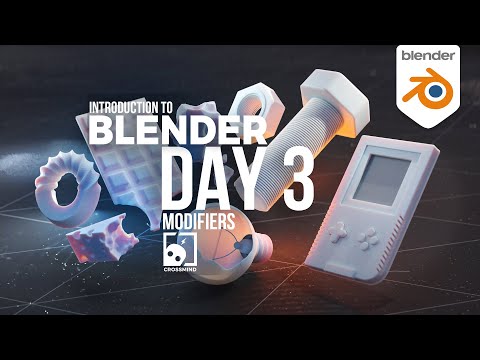
As you continue building your foundation in Blender, the next important step is understanding modifiers. Modifiers are powerful tools that allow you to change and improve your 3D models without permanently altering their original structure. This makes them one of the most efficient and flexible features in Blender for both beginners and advanced users.
In this part of the learning journey, you are introduced to the concept of non-destructive modeling. This means you can apply changes to an object while still keeping the ability to edit or remove those changes at any time. Instead of manually building every detail, modifiers help automate and speed up the modeling process.
One of the most commonly used modifiers is Subdivision Surface, which smooths objects and adds more geometry to make them look more detailed and realistic. Another important modifier is Mirror, which allows you to create symmetrical models easily by automatically duplicating one side of an object to the other.
You also learn how to access the Modifier Properties panel in Blender and how to add, adjust, and stack multiple modifiers to achieve different effects. Each modifier can be controlled individually, giving you full flexibility over how your model behaves and looks.
Understanding how modifiers work is essential because it changes the way you approach modeling. Instead of building every detail manually, you start thinking in a smarter and more efficient way. This saves time and helps you create more complex designs with less effort.
The lesson focuses on practical usage, showing how modifiers can be applied in real modeling scenarios. This helps beginners see immediate results and understand how powerful these tools can be when used correctly.
By the end of this stage, you will have a solid understanding of how modifiers improve your workflow in Blender. You will be able to use them to enhance your models, speed up your process, and create more professional-looking results.


