Marvelous Designer for Beginners – UI & Preferences (Lesson 01)
عدد الدروس : 1 عدد ساعات الدورة : 00:19:15 شهادة معتمدة : نعم التسجيل في الدورة للحصول على شهادةللحصول على شهادة
- 1- التسجيل
- 2- مشاهدة الكورس كاملا
- 3- متابعة نسبة اكتمال الكورس تدريجيا
- 4- بعد الانتهاء تظهر الشهادة في الملف الشخصي الخاص بك
عن الدورة
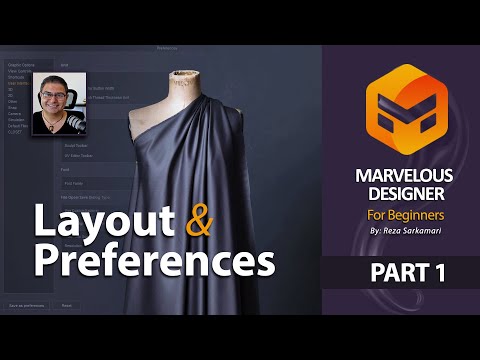
This beginner lesson introduces you to Marvelous Designer, a powerful software used for creating realistic 3D clothing and fashion simulations. It focuses on understanding the user interface and basic preferences, which are essential first steps before starting any garment design.
You will begin by exploring the Marvelous Designer workspace and learning how the interface is organized. The course explains the main panels, tools, and navigation system so you can move confidently inside the software.
Next, you will learn how to customize preferences according to your workflow. This includes adjusting settings that improve performance, usability, and overall design efficiency. Understanding these settings helps you work faster and more comfortably while creating 3D garments.
The lesson also introduces how different interface sections connect to the garment creation process, helping you understand where each tool is used during fashion design workflows.
In addition, this foundation lesson prepares you for more advanced topics such as pattern creation, fabric simulation, and garment construction in later stages of the course.
By the end of this lesson, you will be familiar with the Marvelous Designer interface and ready to start working on basic 3D fashion projects. This is the perfect starting point for beginners interested in fashion technology and digital garment design.


