Flutter - Trippo Ride Sharing App (Uber Clone) - Driver’s Info in User’s App [Part-17]
عدد الدروس : 1 عدد ساعات الدورة : 00:58:26 شهادة معتمدة : نعم التسجيل في الدورة للحصول على شهادةللحصول على شهادة
- 1- التسجيل
- 2- مشاهدة الكورس كاملا
- 3- متابعة نسبة اكتمال الكورس تدريجيا
- 4- بعد الانتهاء تظهر الشهادة في الملف الشخصي الخاص بك
قائمة الدروس
عن الدورة
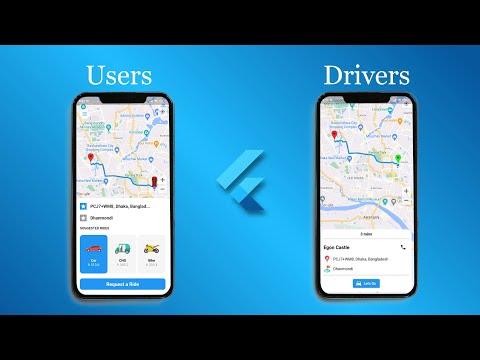
In this seventeenth part of the Trippo Ride Sharing App series, you will implement the feature that shows driver information inside the user application after a ride request has been accepted. This is an important step in creating a complete ride-sharing experience similar to Uber.
You will start by connecting the user and driver apps through your backend system so that once a driver accepts a ride request, their details are sent to the user app in real time. These details include the driver’s name, profile picture, vehicle information, and contact details.
Next, you will design a clean and user-friendly driver info panel inside the user app. This screen will update dynamically when a driver is assigned to the ride, giving users confidence that their ride is confirmed.
You will also ensure that the data is synced properly using Firebase and state management, so any changes made by the driver side are instantly reflected in the user interface.
Additionally, you will improve the UI flow so users can clearly see that their ride is active and a driver is on the way. This enhances trust and improves the overall user experience.
By the end of this part, your Flutter ride-sharing app will support real-time driver assignment visibility, making it much closer to a fully fu


