AutoCAD Beginner Course – Complete Basic Drawing & Editing Skills Step by Step
عدد الدروس : 27 عدد ساعات الدورة : 02:43:23 شهادة معتمدة : نعم التسجيل في الدورة للحصول على شهادةللحصول على شهادة
- 1- التسجيل
- 2- مشاهدة الكورس كاملا
- 3- متابعة نسبة اكتمال الكورس تدريجيا
- 4- بعد الانتهاء تظهر الشهادة في الملف الشخصي الخاص بك
قائمة الدروس
عن الدورة
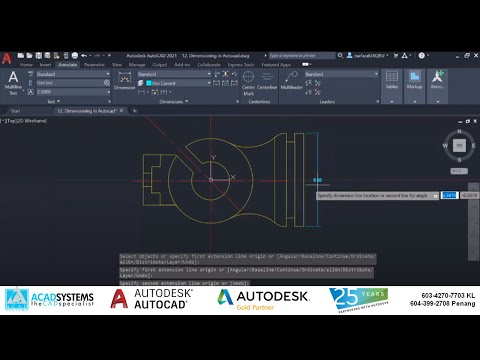
This AutoCAD Basic Skills Course is a structured beginner training designed to help new users understand the core fundamentals of AutoCAD in a simple and practical way. It is ideal for students, engineers, architects, and anyone starting with computer-aided design.
The course begins with navigation basics, teaching you how to move around the workspace efficiently. It then introduces essential drawing skills, including creating lines, rectangles, circles, polygons, and arcs, which form the foundation of all technical drawings.
You will also learn important modification tools such as fillet and chamfer, which are used to refine edges and improve drawing accuracy. Basic commands like erase, undo, and cancel are explained to help you manage your workflow effectively.
The course covers drawing aids such as grid, snap, ortho, polar tracking, and object snap (Osnap), which are crucial for precision and alignment in drafting.
In addition, it introduces editing tools like move, copy, rotate, scale, offset, and mirror, allowing you to modify and duplicate objects بسهولة واحترافية.
By the end of this course, you will have a solid understanding of AutoCAD basics and be able to create and edit 2D drawings confidently.


