AutoCAD Beginner Tutorial Series – Complete User Interface & Drawing Tools Guide
عدد الدروس : 53 عدد ساعات الدورة : 05:09:04 شهادة معتمدة : نعم التسجيل في الدورة للحصول على شهادةللحصول على شهادة
- 1- التسجيل
- 2- مشاهدة الكورس كاملا
- 3- متابعة نسبة اكتمال الكورس تدريجيا
- 4- بعد الانتهاء تظهر الشهادة في الملف الشخصي الخاص بك
قائمة الدروس
عن الدورة
This AutoCAD Tutorial for Beginners is a structured learning series designed to help new users understand the fundamentals of computer-aided design using AutoCAD. It is ideal for students, engineers, architects, and beginners who want to build strong drafting skills from the ground up.
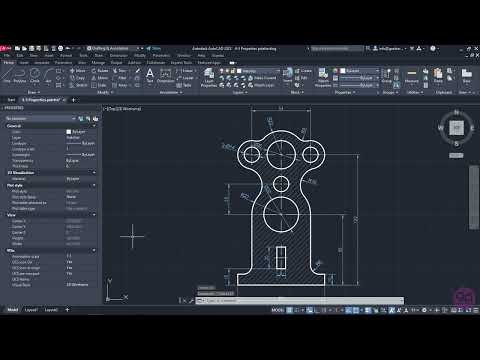
The course begins with a complete introduction to the AutoCAD user interface, helping you understand the workspace, toolbars, and basic navigation. You will also learn how to create new files, open existing projects, and properly save your work.
It then covers essential setup tools such as defining units and selecting objects, which are critical for accurate technical drawing. You will also learn navigation techniques including zooming, panning, and rotating views to work efficiently within your design space.
The drawing section introduces core commands such as line drawing with angles, arcs, polylines, circles, and ellipses. These tools form the foundation of all 2D drafting in AutoCAD and are explained in a simple, step-by-step manner.
By the end of this section, you will understand how to navigate AutoCAD, manage files, and create basic 2D shapes confidently, preparing you for more advanced architectural and engineering design work.


