Adobe Premiere Pro Complete Tutorial – CC Course for Beginners (2022)
عدد الدروس : 1 عدد ساعات الدورة : 00:43:45 شهادة معتمدة : نعم التسجيل في الدورة للحصول على شهادةللحصول على شهادة
- 1- التسجيل
- 2- مشاهدة الكورس كاملا
- 3- متابعة نسبة اكتمال الكورس تدريجيا
- 4- بعد الانتهاء تظهر الشهادة في الملف الشخصي الخاص بك
قائمة الدروس
عن الدورة
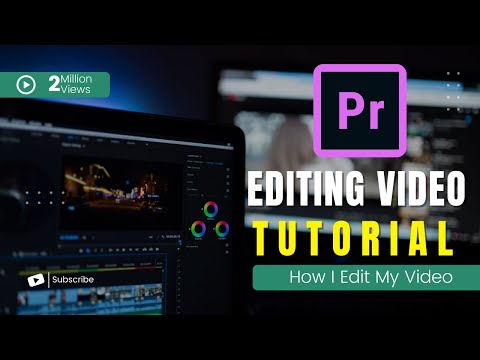
This Adobe Premiere Pro Complete Tutorial is designed for beginners who want to learn professional video editing using Adobe Premiere Pro CC in a structured and easy way. The course provides a full introduction to the software and guides you step by step through the essential tools and features needed to start editing videos confidently.
You will begin by understanding the Premiere Pro interface, workspace layout, and basic navigation. This helps you become comfortable with the environment before moving into hands-on editing tasks. The tutorial also explains how to import media files, organize your project, and manage assets efficiently.
Next, you will learn core editing techniques such as cutting, trimming, arranging clips, and building a smooth timeline workflow. These foundational skills are important for creating clean and professional video sequences.
The course also covers transitions, basic effects, and audio adjustments to improve the overall quality of your videos. In addition, you will be introduced to export settings so you can render your final project in high quality for platforms like YouTube and social media.
By the end of this tutorial, you will have a strong understanding of Adobe Premiere Pro CC and the ability to create simple but professional video projects from scratch with confidence.


